Dropola for graduations
Cap toss to last song, every photo in one place.
Graduation day moves fast: the walk across the stage, the cap toss, the family photos, the party that runs late. Dropola collects what every relative and classmate shoots into one shared gallery, with a single QR code.
How it works
One QR code, from setup to memories.
Step 1
Put the code on the invite or the cake table
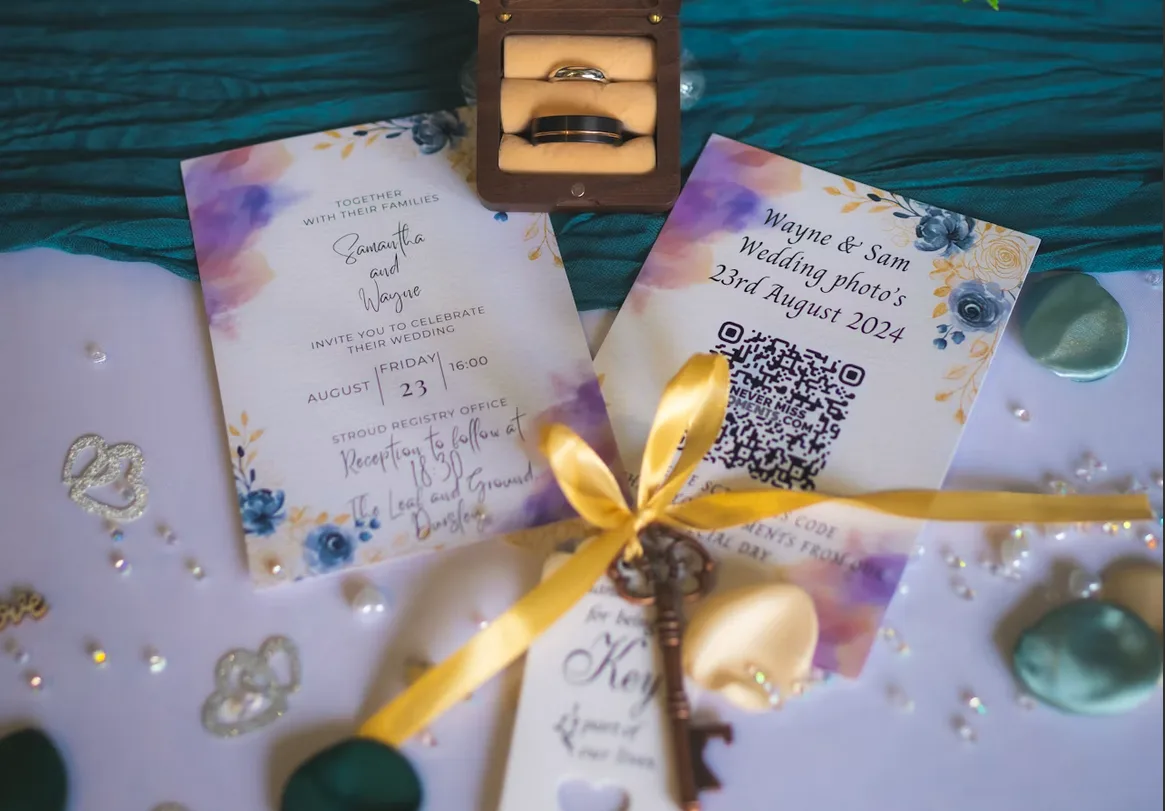
Add it to the party invitation, a sign at the door, or the family group chat. Grandparents and classmates scan it with their camera and they're in. No app, no account.
Step 2
Ceremony and party, from every phone
Your aunt's shaky zoom of the stage walk, the selfies with the diploma, the speech at dinner. Everything lands in one live gallery while the day is still happening.
Step 3
Keep the originals
Download favourites in full quality or grab the whole day at once. Perfect for the photo book, the thank-you cards, or the slideshow at the next family get-together.

Why hosts choose Dropola
Everyone was there with a camera. You need the photos.
At a graduation, the graduate is the one person who can't take pictures. Parents are filming from the stands, friends are shooting on the lawn, and the good photos end up spread across twenty phones and three group chats.
Dropola gives everyone one place to send them. A single QR code opens a shared gallery; guests upload photos and videos straight from their phone, at full resolution, without downloading anything or signing up.
Afterwards you have the whole day in order, from the morning nerves to the last dance. Download it, print the best ones, or keep the gallery open a little longer so late uploads from relatives still find their way in.
What you get
Made for the moment, kept for good.
Easy for every generation
If they can point a camera at a QR code, they can upload. That covers grandparents and fourteen-year-old cousins alike.
Live on the big screen
Play the gallery as a slideshow at the party and watch new photos appear as guests add them.
Full-quality files
No compressed group-chat copies. You get the originals, ready for prints and a photo book.
Common questions
Graduation photo sharing questions
Does Dropola work for the ceremony and the party afterwards?
Yes. Use one event for the whole day, so the stage walk and the party end up in the same gallery. Albums let you keep the two apart, on every plan.
Do guests need an app to share graduation photos?
No. Guests scan the QR code or type the event code at dropola.com and upload straight from their phone's browser. No app and no account.
Can classmates from other families add their photos too?
Yes. Share the same code with anyone you like. Everyone uploads to the same gallery, and with moderation on Premium you can approve photos before they appear.
From the blog