
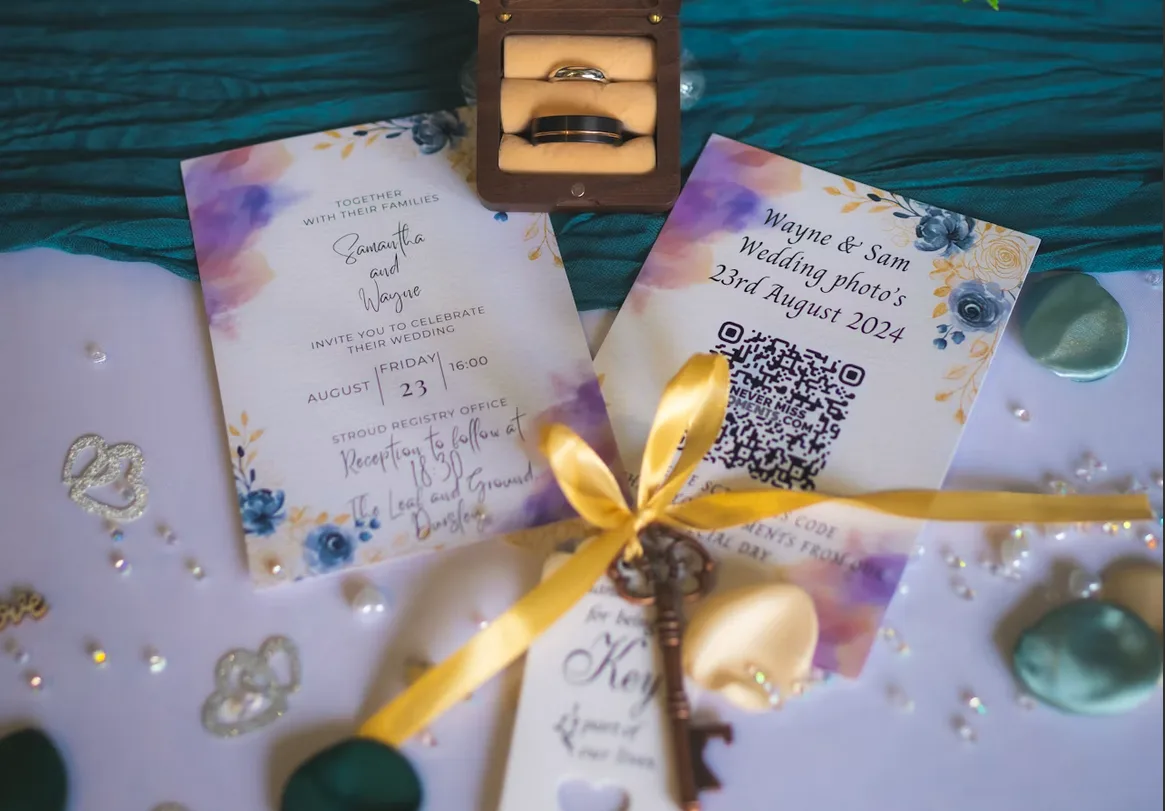
Wedding QR code sign ideas that guests actually scan
A QR code only works if people scan it. That sounds obvious, but most wedding QR signs fail in one of three ways: nobody sees them, nobody understands what they're for, or the code is too small to scan from where guests are standing. Fix those three and participation goes up without anyone nagging.
Here's what we've learned from a lot of weddings about placement, wording, size and printing.
Key Takeaways
- Guests scan when the code is at eye level where they sit, and the sign says what happens next in under ten words.
- Table cards beat one big sign for uploads; the big sign is for the welcome moment. Use both if you can.
- Print the code at least 3 cm wide for table cards and 10 cm or more for signs. Test-scan a printed proof before ordering a hundred.
Where to put the code
Think about where people are stationary with a phone already in hand:
- Every table. This is the one that matters. Guests sit down, the phone comes out, and a small card between the salt and the candle is right there.
- The bar. People queue, get bored, look around. A tent card on the bar counter gets scanned a lot.
- The welcome sign. Good for the "oh, there's a gallery" moment when guests arrive, less good for actual uploads because nobody stops to upload on the way in.
- Bathroom mirror. Slightly cheeky, very effective. Guests check their hair, see the sign, scan.
- The back of the menu or program. Zero extra printing if you're already making them.
- The thank-you card. The best photos often get uploaded after the wedding, once people go through their camera rolls at home. A code on the thank-you card catches those.
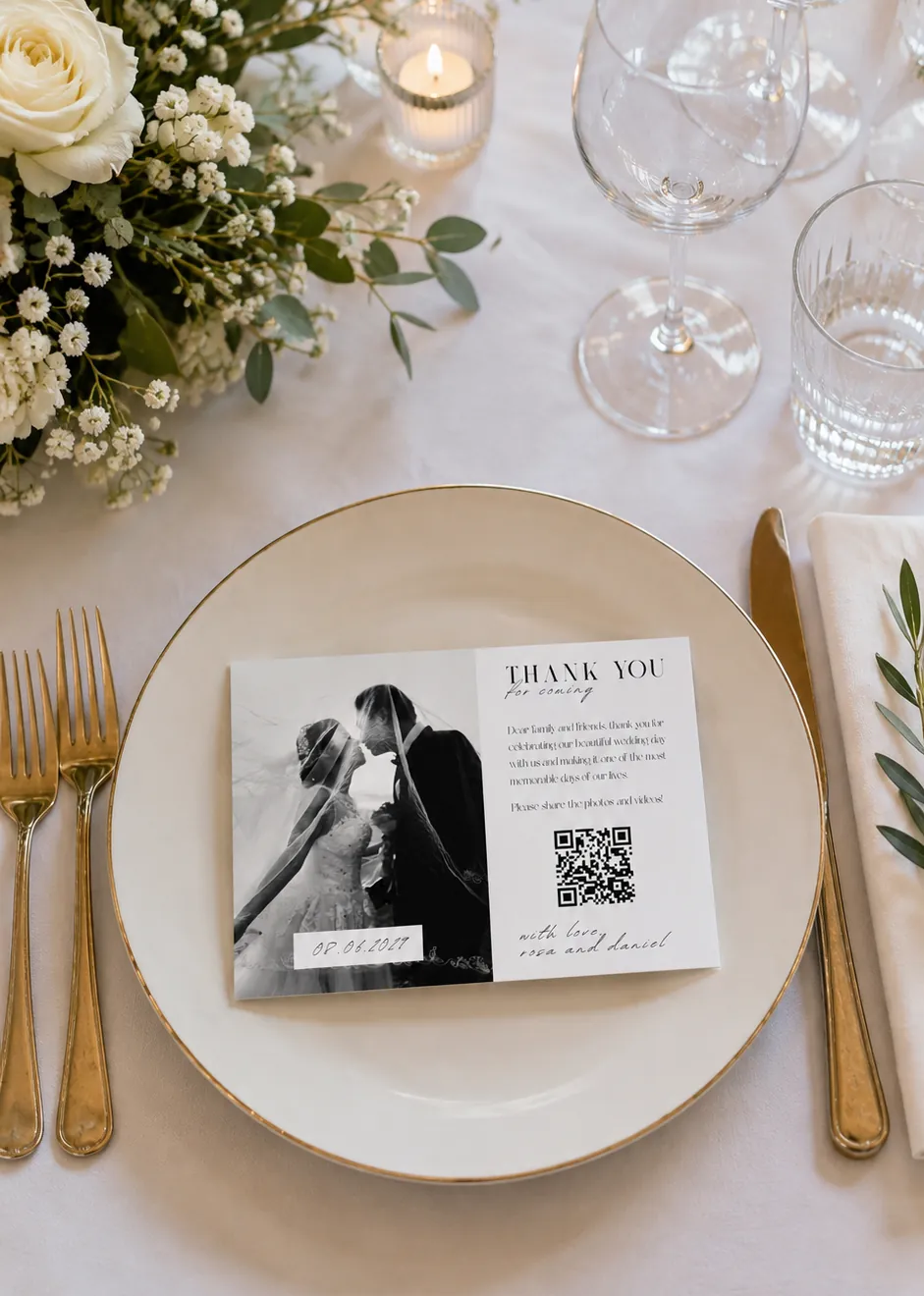
Table cards vs. one big sign
Couples ask this a lot, so here's the honest answer: they do different jobs.
One big sign (easel, A3 or bigger, near the entrance or the bar) announces that the gallery exists. It's the thing the MC can point at. It also looks good in the photographer's shots of the venue.
Table cards (A6 or smaller, one or two per table) get the actual uploads. They're within arm's reach for the entire dinner, and scanning one takes two seconds without getting up.
If you have to pick one, pick table cards. If the budget allows, do both: the sign for awareness, the cards for action.
What to write on the sign
Keep it short. The sign has to communicate three things in the time it takes to glance at it: what this is, what you get, and that it's easy.
Wording that works:
- "Scan to share your photos with us"
- "Took a photo? Add it to our gallery"
- "No app needed — scan, pick, done"
- "See tonight's photos live. Add yours."
- "Help us collect every moment. Scan here."
- "Our photographer can't be everywhere. You can."
- "Photos and videos — scan to upload"
Add one line of reassurance underneath if you have room, because the question in every guest's head is "do I need to install something?":
- "Opens in your camera, nothing to download"
- "Works on any phone"
And a small line telling them how long they have, since it prompts the after-the-wedding uploads: "Upload anytime this week" or "Gallery open until [date]".
Skip long paragraphs, skip the hashtag if you're using a gallery (it splits uploads across two places), and don't add a second QR code for anything else on the same card. One card, one code, one job.
Size and readability
QR codes fail when they're printed too small for the distance. Rough guide:
- Table cards, read from 30–50 cm: code at least 3 cm wide. 4 cm is safer for older guests and dim lighting.
- Bar tent cards, read from about 1 m: 5–6 cm.
- A3 easel sign, read from 2 m: 10 cm or more.
Other things that break scanning:
- Low contrast. Dark code on a light background. Gold foil on cream looks lovely and scans terribly. If you must use a coloured code, keep it dark and the background pale.
- Glossy lamination under candlelight. Matte finish scans more reliably.
- Fancy logos in the middle. A small logo is fine; a big one breaks it.
- Stretching the code. Always scale it proportionally.
Get the code from your gallery's dashboard or make a quick one with our free QR code generator, then print one copy at the real size and scan it with an older phone under the kind of lighting your venue will have. Do that before you order the full run.
Printing tips
- Card stock, not paper. 300 gsm or thicker stands up on the table for six hours without curling.
- Tent cards or a small stand. Flat cards get covered by plates within minutes.
- Order 20% extra. Cards get knocked over, stained, taken home as keepsakes.
- Match your stationery. Use the same font and colours as your menus so the card feels like part of the design, not an afterthought. Keep the code itself plain.
- Skip the app-specific branding. "Scan to share photos" ages better than a card covered in a product logo.
A word on bachelor and bachelorette parties
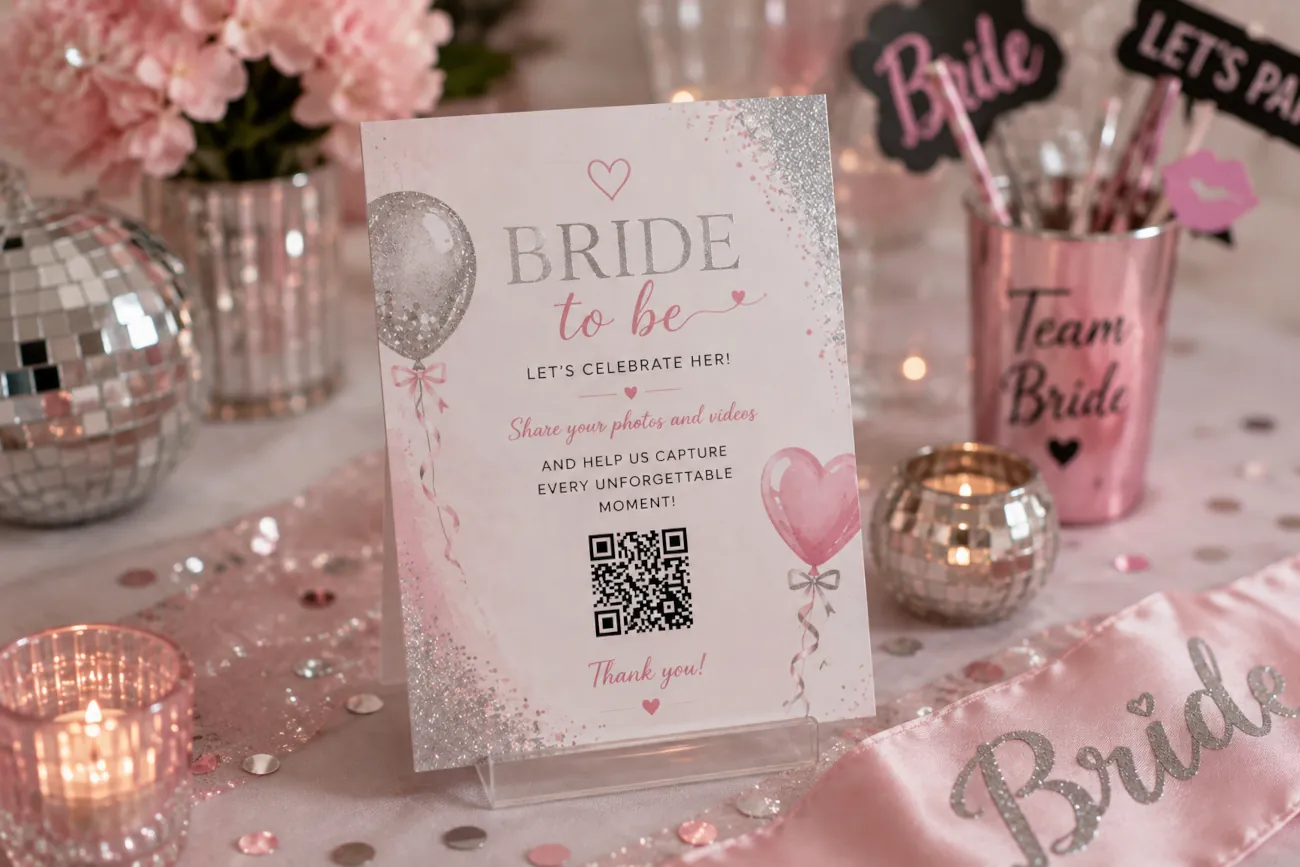
The same rules apply, the wording just loosens up. "Scan to upload evidence" or "What happens tonight goes in the gallery" gets scanned faster than anything polite. One sign at the first venue plus the link in the group chat is usually enough.
Frequently asked questions
Should I put the QR code on the invitation?
Only if the gallery already exists and you want photos from before the wedding (engagement drinks, the dress fitting, the stag do). Otherwise save it for the day-of stationery and the thank-you card, where it drives uploads instead of getting lost in a drawer.
Do I need a different QR code for each table?
No. One code for the whole wedding is simpler and means every upload lands in the same gallery. If you want to separate ceremony, reception and after-party, use albums inside the gallery rather than separate codes.
What if a guest can't scan it?
Print the short join code or link under the QR code so people can type it instead. And have the MC say it out loud once after dinner — the single best participation boost there is.
Bring it all home
A code on every table, a short sign that says what happens next, a size you've actually test-scanned, and a matte print that doesn't curl. That's the whole recipe. Set up your wedding gallery, grab the QR code, and get the proof printed before the stationery deadline.