How to share group trip photos without a 400-message group chat
Every group trip ends the same way. Someone says "send me the photos," and the group chat becomes a wall of images for three days. Half of them are blurry copies of copies, nobody knows which ones are already saved, and the best shot of the whole week is on the phone of the one person who never shares anything.
There's a simpler way to do this, and it takes ten minutes before you leave.
Key Takeaways
- Group chats compress photos by default and bury them in conversation. Great for "where are you?", bad for keeping memories.
- Shared albums work when everyone uses the same platform. An event gallery works when they don't.
- Set the gallery up before the trip, share the link once, and do one round-up message after. That's the entire workflow.
Why the group chat doesn't work
Messaging apps are built to deliver photos fast on a mobile connection, so they shrink them. WhatsApp, for example, sends photos in a reduced "standard" quality by default; there's an HD option that keeps more detail but still isn't the original file, and the only way to get the untouched file through is to send it as a document (MacRumors has a walkthrough). Almost nobody does that for a hundred holiday photos.
Quality aside, the real problem is structure. A group chat is a timeline. Photos land between dinner plans and the argument about who owes what for the taxi. Three weeks later, finding "that one of everyone at the viewpoint" means scrolling past everything else that happened. And the person who joins the chat late, or clears it to save space, never had the photos at all.
Group chats are the right place to coordinate a trip. They're the wrong place to store it.
Shared albums vs. an event gallery
Two better options, and the right one depends on your group.
A shared album (Google Photos, iCloud Shared Albums, and similar). Free, already on everyone's phone, and reasonable quality. The catch is the platform split: adding photos generally means being signed into that ecosystem, so an iCloud album is smooth for the iPhone half of the group and a chore for the Android half, and the reverse for Google Photos. For a group that's all on one platform, this is a fine answer and you can stop reading here.
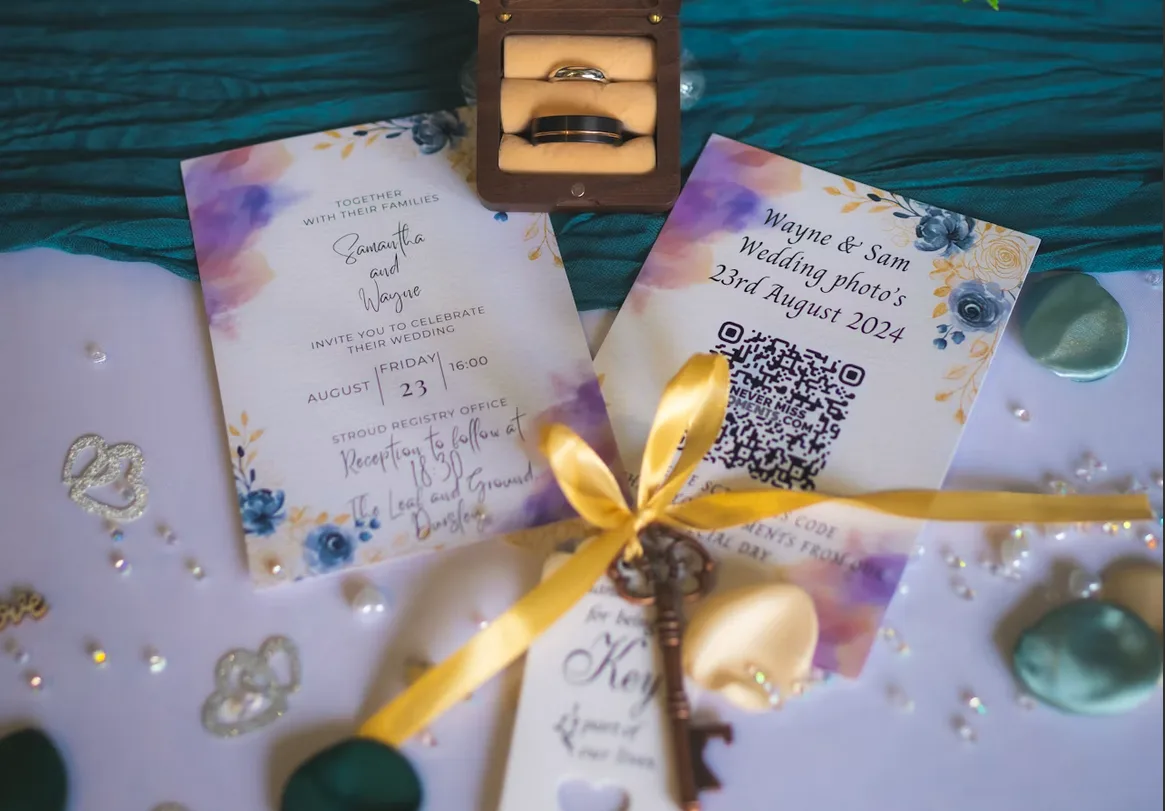
An event gallery (what Dropola does). One link or QR code, opens in any phone browser, no app or account, everyone uploads from their camera roll into the same place. Originals are kept, including video, and you can split things into albums by day or place. It's built for weddings and parties, but a trip is just a long party with more walking.
Pick the gallery when the group is mixed iPhone and Android, when there are people who don't want to install or sign into anything, or when you want the files back at full quality for prints or a photo book. Pick a shared album when everyone is already on the same platform and nobody cares about originals.
The workflow
Before the trip
- One person creates the gallery and names it after the trip. That person is now the keeper of the link; it's a small job.
- Make albums if the trip has natural chapters — one per city, one per day, or just "Days" and "Nights". Albums are optional; if it's a long weekend in one place, skip them.
- Pin the link in the group chat so it's the first thing in the chat description, not a message that scrolls away. If you're meeting in person first, a QR code on the fridge of the rental works surprisingly well.
- Say the rule once: "Photos go in the gallery, not the chat." People follow it if it's said before the trip and there's a link to tap.
During the trip
- Upload in the evenings. Ten minutes on the sofa with the Wi-Fi is enough. Nobody wants to upload on holiday data at the beach.
- Whoever is taking video uploads it the same day. Videos are the files most likely to be lost to "I'll do it later" and the least likely to survive a messaging app intact.
- Look at the gallery together. Scrolling through the day's photos over dinner gets more uploads than any reminder, because people see what's missing and add it.
- Use the guestbook for the running jokes. A gallery with a guestbook gives the trip a place for the one-liners that would otherwise be lost in the chat.
After the trip
- One round-up message, a day or two after you're home: "Gallery's open until [date], add whatever's still on your phone." Most people have a batch they never got to.
- Keeper downloads everything as a ZIP once the uploads dry up, and stores it somewhere permanent. Originals, so the photo book or the framed print isn't a compressed screenshot.
- Share the download with whoever wants the full set, and let the gallery sit for the rest of its window for anyone who just wants to scroll.
That's it. No sorting through 400 messages, no "can you resend that one," no three competing albums.
Small things that make a difference
- Don't make it a project. The gallery should feel like a folder, not an event. One link, one rule, done.
- Bring older relatives in. The reason a browser link matters: your aunt on the family reunion trip will scan a QR code, but she is not creating an account.
- Keep it private. A trip gallery is for the people who were there. Use a private gallery and a password if the link is going in a big chat.
- Check the window. Galleries have an upload period and an access period. For a trip, make sure both cover a few weeks after you're back — that's when the last photos arrive.
Frequently asked questions
Can we start the gallery after the trip?
Yes. Create it when you're home, share the link, and everyone uploads what they have. The trip date is just a label. This is actually how a lot of groups do it, and it works — you just lose the during-the-trip momentum.
What about the photos already in the group chat?
Leave them. Ask people to upload the originals from their camera roll instead; the chat versions are compressed copies of files that still exist at full quality on the phone that took them.
Does this work for a stag weekend or a family reunion?
Same workflow. For a stag or hen weekend, the rule usually becomes "everything goes in the gallery, nothing goes on social" — see the bachelor and bachelorette page for that setup. For a reunion, albums per branch of the family are the only extra step.
Bring it all home
Ten minutes before the trip and one message after it. Set up a trip gallery, pin the link, say the rule, and the photos come to you in full quality without a single "can you send me that one." The group chat can go back to arguing about restaurants.