How to Collect Wedding Photos From Guests (Without Chasing Anyone)
Your photographer captures the posed, perfect shots. But the candid ones — the teary toast, the dance floor at midnight, the flower girl asleep under a table — those live on your guests' phones. The problem is getting them off those phones and into your hands.
Here's how to collect wedding photos from guests without turning into a project manager on your wedding day.
Collecting photos is just one item on a long wedding to-do list. If you're still assembling the rest, here's how to break wedding planning into a simple checklist so nothing slips through the cracks.
Key Takeaways
- The average US wedding has 117 guests (The Knot 2026 Real Weddings Study) — that's a room full of cameras you already have.
- A QR code beats group chats, hashtags, and AirDrop because there's nothing to download, so participation stays high and files arrive in full resolution.
- Print the code, give one gentle nudge, and keep the gallery open for a week or two after the wedding — the best photos land once people get home.
Why the usual methods fail
Most couples try one of these, and each has a catch:
- A shared group chat — messages compress the photos, and you're left with grainy thumbnails instead of full-quality memories.
- "Tag us on Instagram" — only reaches guests who use it, and stories vanish after 24 hours.
- A wedding hashtag — cute, but fragmented across platforms and impossible to fully round up later.
- Asking people to AirDrop you everything — works for three guests, not three hundred.
The common thread: they all put work on you, and they all lose quality.
The one thing that actually works: a QR code
The most reliable method is embarrassingly simple. You put a QR code on the tables (and maybe the bar). Guests scan it with their phone camera, and it opens a page where they can upload straight from their camera roll — no app to install, no account to create.
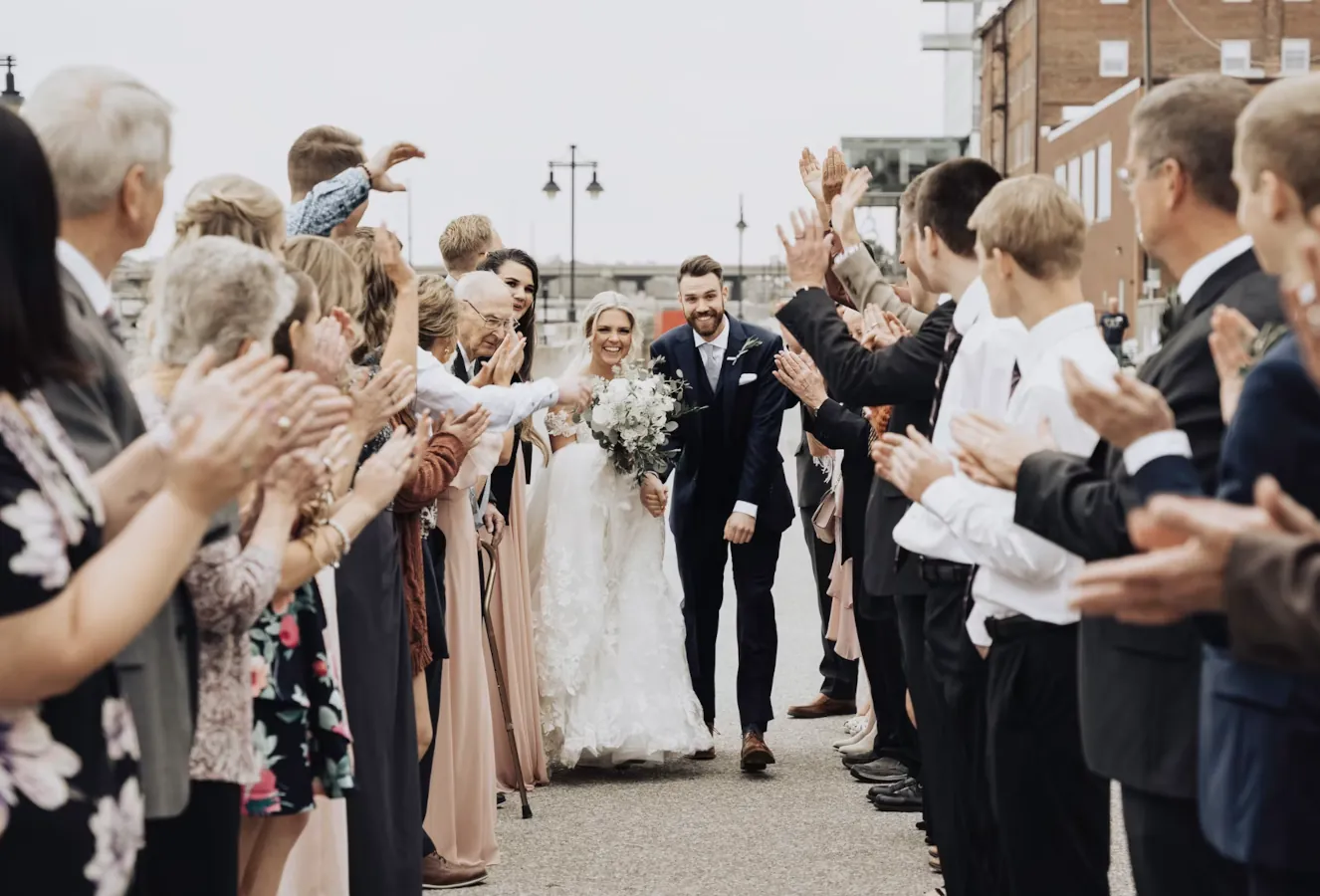
The math is on your side. The average American wedding hosts 117 guests (The Knot 2026 Real Weddings Study, based on 10,474 US couples), and 91% of US adults already own a smartphone — including 78% of people aged 65 and older (Pew Research Center, 2025). In other words, the cameras are already in the room and already in pockets. The only thing standing between you and those photos is friction, and a QR code removes it.
Because there's nothing to download, participation shoots up. Grandparents can do it. The friend who "doesn't do social media" can do it. Everyone lands in the same live gallery, and the files arrive in full resolution.
A five-step playbook
- Create your event gallery a week or two before the wedding.
- Print the QR code on table cards, the welcome sign, or the back of the menu.
- Give one gentle nudge — have the MC mention it once after dinner.
- Let it fill up during and after the event; guests keep adding for days.
- Download everything in original quality when you're back from the honeymoon.
Tip: keep the gallery open for a week or two after the wedding. The best photos often get uploaded after people get home and go through their camera rolls.
Want more ways to lift participation on the day? We break down five of them in how to get your guests to actually share their photos.
What to look for in a tool
If you're comparing options, the features that matter most are:
| Feature | Why it matters |
|---|---|
| No app download | Every guest can join, not just the tech-savvy ones |
| Full-quality uploads | You keep the real files, not compressed copies |
| One shared gallery | Everything in one place, nothing scattered |
| Works for photos and video | The speeches and first dance deserve motion |
Frequently asked questions
Do guests need to download an app to share wedding photos?
No — and they shouldn't have to. The most reliable setup uses a QR code that opens a web page in the phone's browser, so guests upload straight from their camera roll with nothing to install and no account to create. Skip the download and you keep everyone in, from the bridal party to grandparents.
How do I get the photos in full quality instead of compressed?
Avoid anything that runs the images through a messaging app. Group chats, Instagram, and texted photos all re-compress files down to grainy previews. A dedicated gallery that accepts original-resolution uploads keeps the real files, which is what you'll want when you print an album or blow one up for the wall.
How long should I keep the photo gallery open after the wedding?
Give it a week or two. A lot of the best shots don't get uploaded on the night — they surface a day or two later, once guests are home and scrolling back through their camera rolls. Leaving the gallery open (and sending one thank-you note with the link) is the single easiest way to double what you collect.
What's the best way to collect both photos and video from guests?
Use one gallery that accepts video as well as stills, then point every guest to the same QR code. The speeches, the first dance, and the sparkler exit all live in motion, so a photos-only tool leaves half the night on the table. One link for everything keeps it simple for guests and tidy for you.
Bring it all home
Collecting wedding photos from guests doesn't have to mean chasing people for weeks. Put a QR code on the tables, let your guests do what they already love doing, and end up with hundreds of moments you'd otherwise never have seen.
That's exactly what Dropola is built for. See how it works for wedding photo sharing, create your gallery, and have the QR code ready before the big day.